

Consistent Makeup Transfer
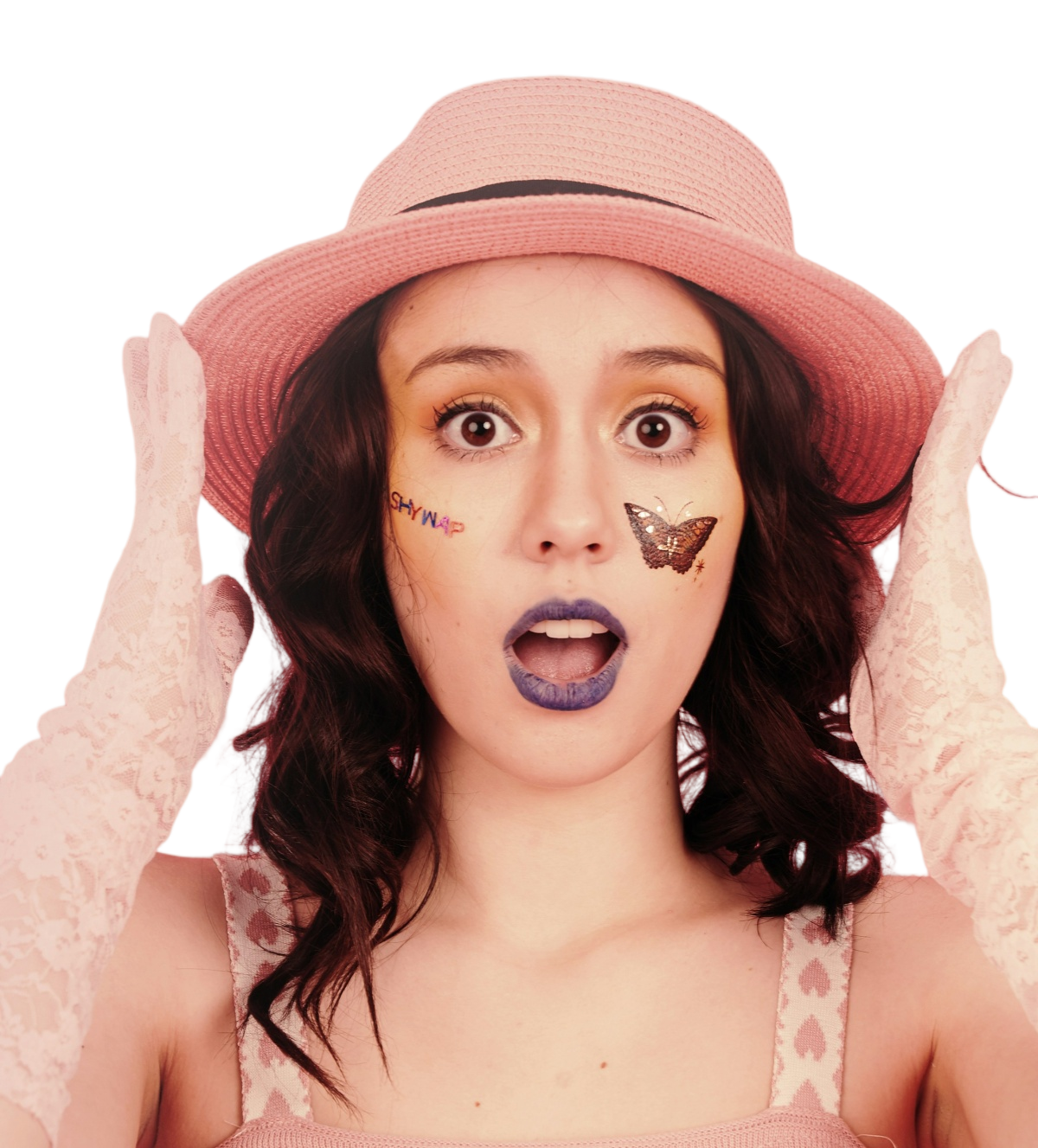
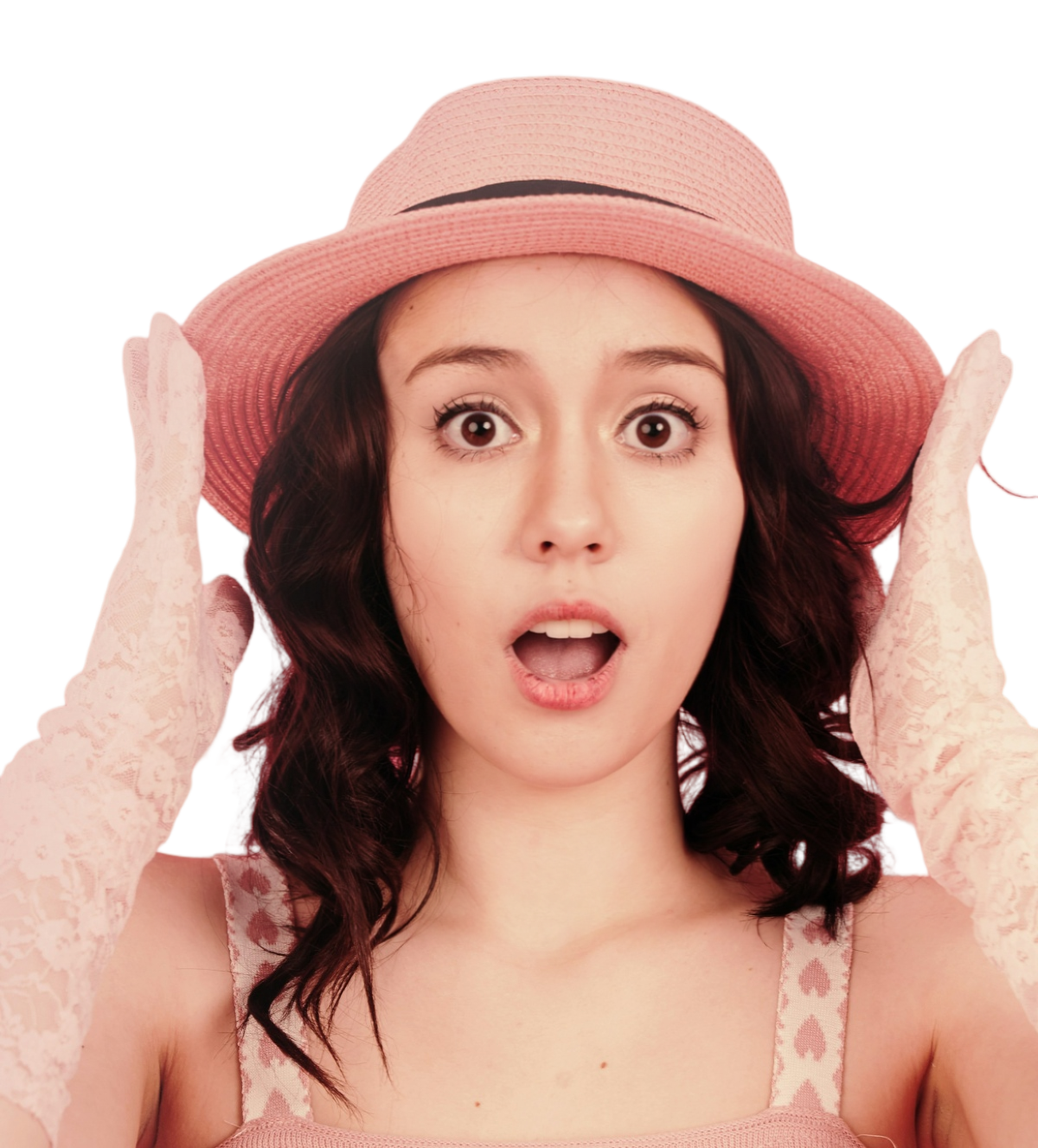
Upload a portrait and choose or upload a makeup reference. FLUX-Makeup transfers the look naturally and accurately while preserving your identity.
Interactive Demo
Upload a portrait and try a new look.
This experience is currently unavailable



History
Use Cases
Makeup transfer for virtual try-ons, commerce, entertainment and digital avatars
Virtual Try-On
Try a trending makeup look on your own photo and see how it suits you.
Product Showcases
Showcase beauty products with a variety of makeup looks on models.
Content Creation
Create a variety of makeup visuals for short videos, blogs and beauty content.
Digital Avatars
Customize makeup for virtual presenters and digital avatars in less time.
Model Capabilities
Designed for faithful makeup transfer, identity preservation and consistent results
Makeup Similarity
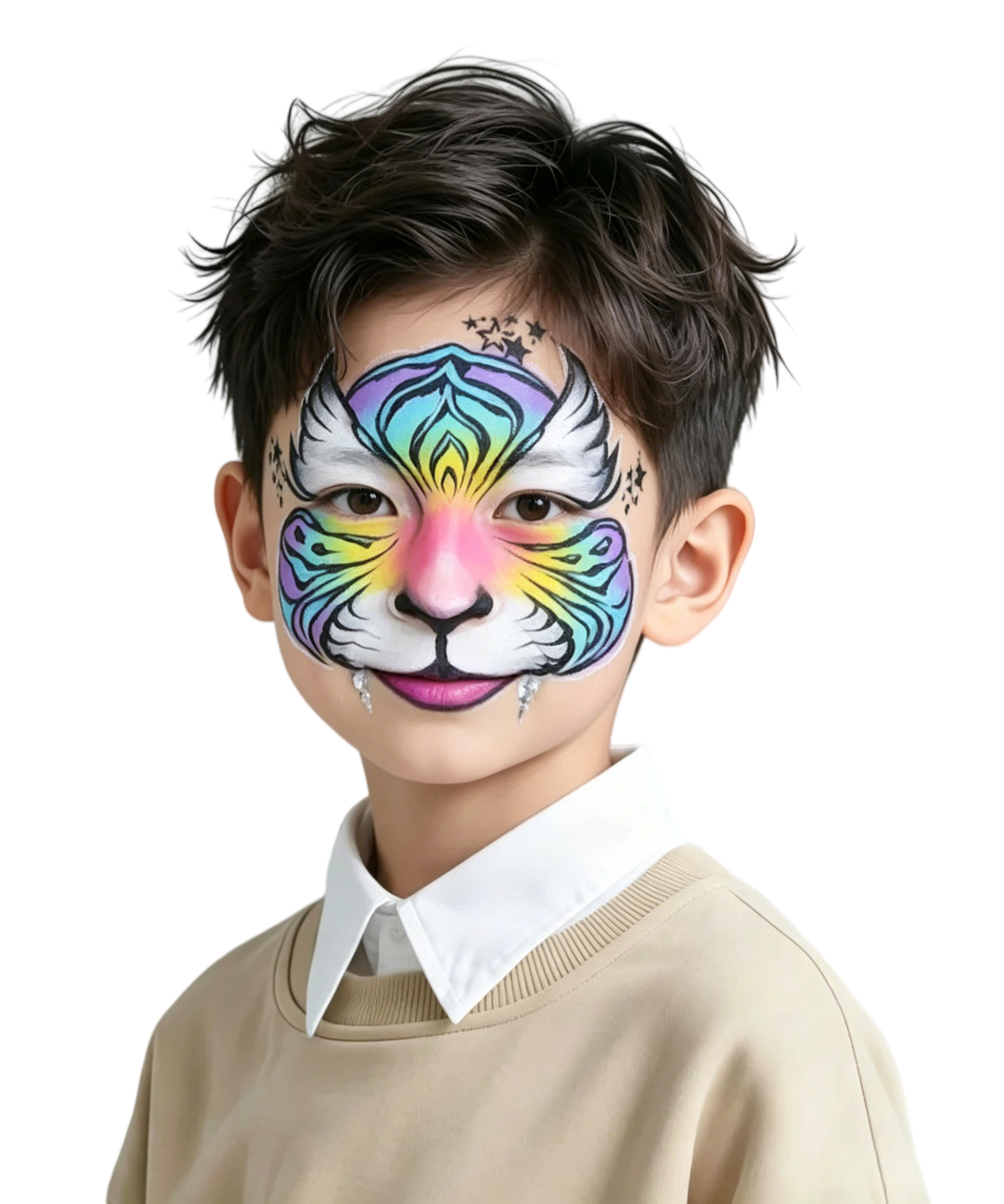
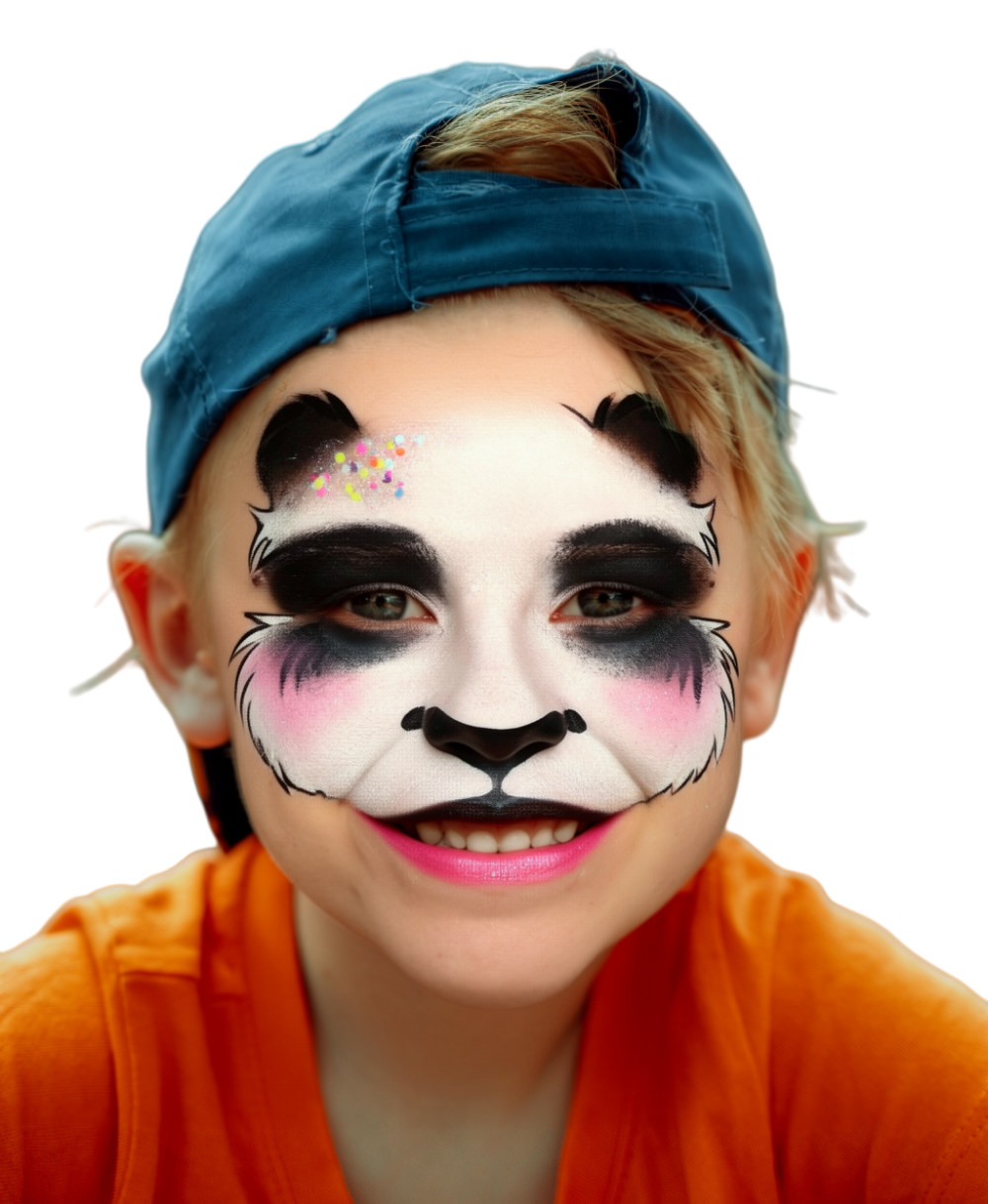
FLUX-Makeup captures the style of the reference makeup and transfers it naturally to the source portrait.
Identity Preservation
Decoupled feature injection helps preserve the identity of the person in the source portrait.
Consistent Results
FLUX-Makeup produces natural, consistent results across different poses, expressions and complex makeup styles.
Evaluation results
Evaluated on MT, Wild-MT and LADN benchmarks

MT Benchmark
Quantitative evaluation on MT, Wild-MT and LADN shows leading or near-leading overall results in makeup similarity (CLIP-I), identity preservation (SSIM) and background preservation (L2-M).

A Wide Range of Looks
Trained with over 50,000 high-quality paired samples from HQMT, FLUX-Makeup supports looks from subtle to bold.
Method
Built on curated data, decoupled features and consistent makeup transfer
No Extra Face Control Module
FLUX-Makeup uses only a source portrait and a reference image for faithful, consistent makeup transfer, with no additional face control module.
Data Engine and HQMT Dataset
A scalable data pipeline with filtering and quality control produced HQMT, a dataset of over 50,000 high-quality paired makeup samples.
Decoupled Feature Injection
RefLoRAInjector uses two sets of low-rank projections to extract makeup features while preserving identity and background details.