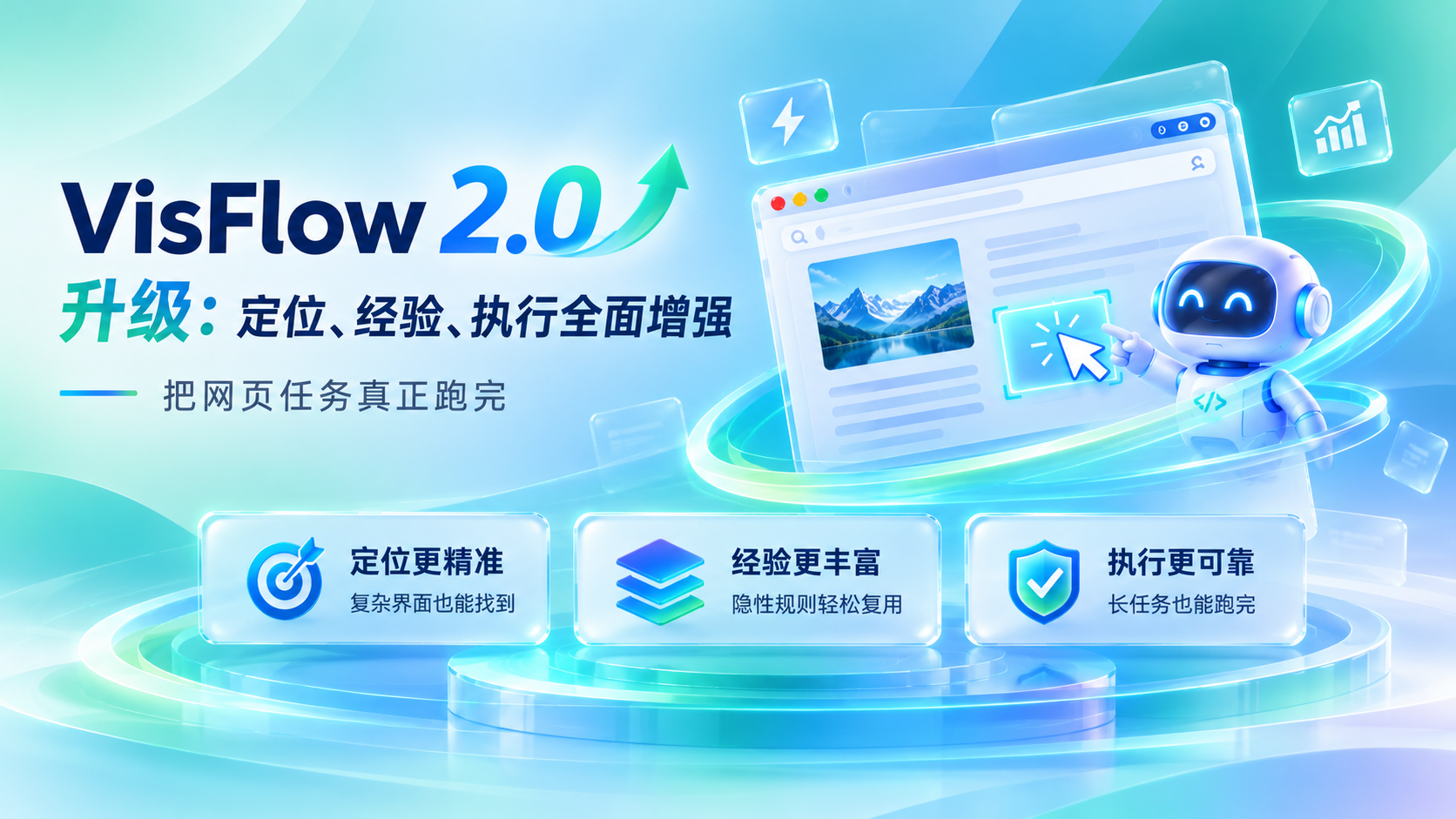
VisFlow Version 2.0 upgrade: comprehensive enhancements to positioning, experience, and execution, ensuring web page tasks are truly completed
For browser agents to "operate webpages like humans," three key challenges cannot be avoided: understanding the current page, adhering to business rules, and completing the entire workflow. These challenges are respectively constrained by GUI localization accuracy, implicit business knowledge, and long‑pipeline stability—issues that cannot be automatically resolved simply by connecting a large model to the browser.
VisFlow follows a "teach once, automate forever" approach: the user demonstrates the process once, and the system understands the page structure during similar tasks, reuses the demonstrated experience, and executes the rest autonomously.
VisFlow 2.0 represents a structural upgrade: the entire pipeline has been redesigned, shifting from localization to planning, and from experience reuse to actual action execution.
I. What Was Upgraded
There are nine changes, grouped into four categories based on the problems they address: accurate perception, practical usability, reliable execution, and stable performance.
Accurate Perception
- Click Localization: The main model first determines which control is the target, then a dedicated positioning layer refines the location down to the pixel level based on the current screenshot. It can re-locate accurately after switching backends, changing designs, or adjusting resolutions, no longer relying on hardcoded coordinates. (See Scenario 01 for details)
- Execution validation: After completing each step, lightweight DOM feedback from the page is used to verify whether the results have truly taken effect. Confirmation checks for high-risk operations like deletions and payments have also been optimized—from assuming completion upon clicking to requiring confirmation only after execution.
Useful
- Reusing experience: For similar tasks, during planning we refer to successful experiences from the entire project, and during execution we draw on experience from corresponding steps, rather than merely "watching a demo once." (See Scenario 02 for details)
- Action extension: Both recording and execution support double-click, right-click, hover, and drag-and-drop; operations that cannot be performed with a single click—such as table editing, right-click menus, and Kanban drag-and-drop—are also supported. (See Scenario 04 for details.)
- Recording reverse playback: After recording, step descriptions and task descriptions are automatically reversed; these can still be edited after saving, eliminating the need to manually configure the workflow again.
Runnable
- Loop scheduling: Generates a loop structure based on the current checklist, binds data that changes with records to corresponding actions, and feeds them one by one into the same set of steps. (See Scenario 03 for details.)
- Task navigation: Determines whether a task requires an initial jump or which business page to start from, removing the need to manually position pages beforehand.
Stable performance
- Step limit: The maximum number of steps allowed for a single task has been significantly increased, enabling complex tasks to run to completion without stopping midway due to hitting the limit.
- Context compression: For long tasks, earlier operation history is condensed into summaries, while recent steps and key progress are retained, ensuring consistency even after dozens of steps and preventing forgetting previous actions.
These nine changes are distributed along the same execution pipeline: during the planning phase, steps and constraints are orchestrated; during execution, pages are read, controls located, and actions selected; during validation, results are verified and context managed. The more complex the business logic, the more concurrent conditions must be satisfied within this pipeline. The following four scenarios correspond to several key modifications within it.
II. Scenario Introduction
Scene 01 | Switch backends, change the layout—yet the same query still completes

The same "query" entry point is located differently across two backends
Web automation struggles most when page layouts change. For the same "material query," it might appear in the upper-right corner of the list in Backend A, while hidden inside a filter panel in Backend B; a location memorized yesterday becomes invalid today. Consequently, batch queries spanning multiple backends have long been difficult to implement reliably.
Version 1.0 enabled the main model to both understand the task and directly output click coordinates. However, "understanding what needs to be done" and "precisely locating the exact pixel" are distinct challenges: the former relies on reasoning about instructions and page structure, while the latter depends on identifying specific UI elements within screenshots. Attempting to handle both simultaneously risks compromising either aspect—resulting in inaccurate positioning whenever the backend changes or the layout evolves.
Version 2.0 separates these two responsibilities: the main model first determines which control should be targeted, after which a dedicated localization module refines the position precisely based on the current screenshot. One module handles "what to do," while the other manages "where to click," each fulfilling its specific role.
The resulting improvements are tangible:
- 1) No need to retrain when switching backends, updating the interface, or resizing windows.Positioning relies on recognizing the current page's appearance rather than fixed coordinates; no matter how the UI changes, the entry point can always be rediscovered.
- 2) Deployment barriers have also been lowered.Using a dedicated capability for positioning consumes fewer resources than having a general-purpose large model handle both positioning and reasoning—internal reasoning resource usage has significantly decreased, making private deployment feasible instead of remaining confined to demo environments.
If this refinement step times out or yields an invalid result, the system falls back to the initial position provided by the main model, adding an extra safeguard and avoiding reliance on a single point to ensure overall link availability.
Scene 02 | Old Employees' Rules Can Be Reused Without Documenting Them

Before recording data, first check for duplicates; after demonstrating once, follow this procedure.
When recording data, you must first check duplicates by number, then enter the information, and finally return to the list to verify. Veteran employees are thoroughly familiar with these rules, but they aren't documented in the system, so newcomers following the system steps can easily overlook them. Because these rules aren't embedded in the system, such tasks were previously almost impossible to automate.
1.0 You can follow the demonstration to complete a similar process, but the "why" behind the steps isn't structured or retained: if you switch to different data or a new backend system, pre-checks may be missed during planning, and during execution, you won't have clear criteria for determining whether a step was successful.
2.0 Explicitly capture this tacit knowledge as proven experience, dividing it into two layers based on when it is injected:
- 1) Task-Level ExperienceInjected during plan generation, the payload consists of the entire business process's execution order and key constraints. When the planner receives "check duplicates first, then enter data, and verify at the end," it will not overlook prerequisite checks or final validations when scheduling steps.
- 2) Step-level experienceProvided to the execution model alongside the corresponding step, the payload includes location hints, operational notes, and success criteria. Upon reaching the duplicate-checking step, the experience will prompt: use the numbered query box, verify that the entered number matches this session's ID, and after searching, confirm whether a matching record appears or if a "no match" message is displayed.
These two layers address two distinct types of errors: task-level prevention against "skipping steps," and step-level prevention against "performing steps incorrectly." The planner arranges the sequence correctly, while the execution model executes each action accurately—each handles its respective part.
Later, when recalling similar recordings for subsequent tasks, both types of experience are injected into planning and execution respectively. If switching to another backend with a similar workflow, "check duplicates first, verify results" can still serve as a reference; however, if the search entry moves from the top of the list to the filter panel, the execution model will re-identify controls based on the current page and complete operations using data from the current task—What is reused are business rules, not fixed coordinates..
Scenario 03 | Explain 30 orders at once, and run the entire batch automatically

Run 30 orders using the same set of steps, with progress shown as 30/30
For tasks like batch queries or batch applications, the operation sequence is identical while only the processing objects differ. Version 1.0 had the model generate similar steps one record at a time; this not only wasted inference overhead repeatedly but also made it easy to overlook related fields such as "user" when applying across multiple devices. Moreover, the program side lacked a reusable loop structure, requiring reorganization whenever presented with a new list.
Version 2.0 introduces a planned loop structure that partitions work according to its nature:
- 1) The model handles the "changing" parts: Combining the task and reference workflow, identify which operation steps need to be repeated, output a step template, the number of repetitions, and the data to be filled in each round. The template describes the sequence of operations within one round; information that varies with records, such as order numbers, equipment names, and users, is bound to the corresponding steps.
- 2) Handling the "unchanging" parts programmatically: The backend validates the loop structure, expands it round by round according to the checklist, inserts the current round's data into the descriptions and inputs of the corresponding steps, and then renumbers the steps for the complete plan.
After expansion, each step has a clearly defined processing target. When executing to A-102, both the query order number and detail verification for this round point to A-102; if the next batch of the checklist adds or removes orders, the same template can simply be reused for re-expansion.
We let the program handle the expansion because this section is deterministic: the structure is already fixed, the data is already bound, so there's no need for the model to reason again. Removing this from the model side saves redundant generation and also prevents omissions in filling related fields.
Scenario 04 | Tasks that couldn't be done with a single click can now be handled

Drag work order cards from "To Be Assigned" to "In Progress"
Double-clicking table cells to enter edit mode, right-clicking to bring up a menu and then selecting a function, inline buttons that appear only on hover, dragging Kanban cards from "To Be Assigned" to "In Progress"—none of these actions could be completed with a single click. Version 1.0 focused primarily on click-based actions; encountering such interfaces meant either bypassing them or switching to manual processing, effectively limiting the scope of automatable tasks.
Version 2.0 adds double-click, right-click, hover, and drag-and-drop capabilities to both recording and execution: During recording, action types and target information are saved; during execution, the model selects appropriate actions based on the current page, and the plugin carries them out. For drag-and-drop operations, the model determines the card's position and the target column, while the plugin handles the press, move, and release steps. Even for similar status adjustments—such as dragging in a Kanban board versus double-clicking a cell in a table backend—the specific action chosen depends on the actual interface state at runtime.
Supporting capabilities for reliably completing long-running tasks
The first four scenarios addressed "doing it correctly." There is another set of capabilities that does not create new business scenarios but determines whether a lengthy process can stably reach completion: verifying results at each step, pausing high-risk operations for human confirmation, summarizing older historical data early on, and preventing excessively long tasks from freezing mid-execution. The more complex the business, the more crucial these capabilities become—they determine whether the outcome is "mostly done" or "fully completed."
III. Results and Limitations
The impact of the upgrade is reflected in actual business tasks:Accuracy of location identification improved to 99.6%, and end-to-end task success rate increased by 11.5 percentage points—Both figures represent comparisons between pre- and post-upgrade results based on internal evaluations.
Success rates and positioning accuracy improve in tandem, indicating that enhancements stem from higher-quality planning and decision-making rather than relying on repeated trials and luck. Transitioning from "teach once, do once" to "teach once, handle a class" represents a key step forward for version 2.0.
The trade-offs are clearly outlined in the scenarios: two-phase validation makes individual steps slightly slower than in version 1.0, and high-risk actions still require manual confirmation. The closer we get to complex, real-world interfaces, the more we depend on comprehensive strategies rather than pinpoint accuracy at isolated points.
IV. Experience and Easter Eggs
Returning to the opening statement—"truly completing web tasks." Completing a task doesn't simply mean clicking a button; it means reinforcing every fragile link along the entire workflow, transforming "teaching once" from a one-off demonstration into a reusable capability applicable across similar scenarios.
VisFlow Version 2.0 is now available for exploration on the 360 Artificial Intelligence Research Institute's platform:Try it now.
Two Easter eggs: WebBridge and Routine Mode are already on the way—the former bridges browsers and external systems, while the latter codifies common workflows into routine tasks; they will be gradually rolled out in subsequent versions.